Public Wi-Fi Security: Protect Your Remote Workforce

The modern office is no longer confined to cubicles. Employees routinely work from their homes, local coffee shops, hotel lobbies, and coworking spaces. But while this "third place" work environment offers amazing flexibility, it introduces severe risks to your company's network. Whether your employees are finalizing reports at a local Metro Detroit cafe or answering emails from an airport terminal, public wi-fi security is no longer optional. As the remote workforce grows, cybercriminals are increasingly targeting these unsecured networks to intercept sensitive company data.
According to a Forbes Advisor survey, 40% of users have had their online information compromised while using public Wi-Fi. Furthermore, InsiderRisk's 2025 report found that 63% of businesses suffered a data breach linked directly to remote work vulnerabilities.
Treating a bustling café in Royal Oak or Birmingham like a secure corporate office is a recipe for disaster. If your business supports hybrid work, you must equip your team with clear guidelines and technical tools to protect client data in public spaces.
Key Takeaway
Free Wi-Fi is never truly free. Without a mandated VPN, privacy screens, and a strict remote work policy, your business data is sitting entirely exposed in public.

The Hidden Dangers of Open Networks
The biggest draw for remote workers is free, accessible internet. The problem? Public networks in cafes and airports rarely utilize strong encryption. This makes it incredibly easy for cybercriminals sitting just a few tables away to intercept network traffic, capturing passwords, emails, and sensitive files right out of the air.
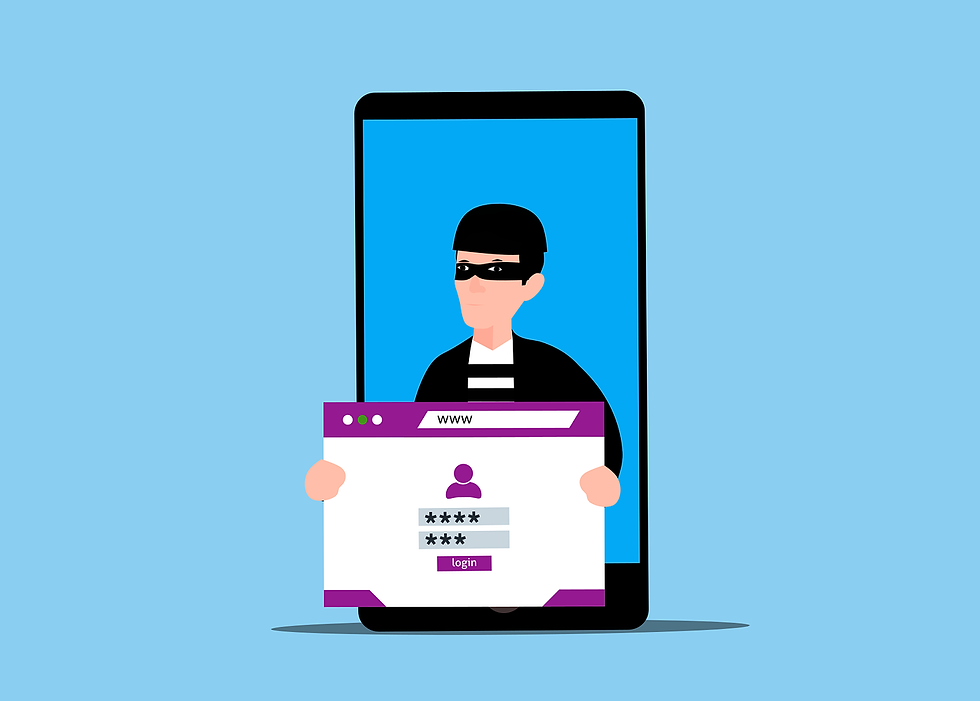
Attackers frequently set up "Evil Twin" networks. They broadcast a fake Wi-Fi signal named something innocent like "Starbucks Free Guest" or "Airport Free Access." Once an employee connects, the hacker sits in the middle of all their web traffic.
Your employees must understand that connecting to public networks without a layer of encryption is the digital equivalent of shouting your company's financial data across a crowded room.
Mandating Virtual Private Networks (VPNs)
The single most effective defense for public Wi-Fi is a Virtual Private Network (VPN) or a Zero Trust Network Access (ZTNA) client. A VPN creates a secure, heavily encrypted tunnel between the employee's laptop and your company data, rendering the traffic completely unreadable to anyone trying to snoop on the local Wi-Fi.
Providing a secure connection is not optional; it is essential. Your IT policy should mandate VPN usage the second an employee's laptop leaves your corporate network. Modern security setups can even enforce this technically, blocking all internet traffic until the secure tunnel is successfully established.
Visual Hacking: The Low-Tech Threat
Digital interception isn't the only risk. "Visual hacking" occurs when someone simply looks over your employee's shoulder to read their screen. It is incredibly low-tech, impossible to trace, and highly effective.
In a crowded coworking space in Detroit, sensitive client data, HR spreadsheets, or proprietary product designs can easily be viewed or covertly photographed with a smartphone.
The Fix: Issue hardware privacy screens for all remote laptops. These inexpensive filters make the screen appear pitch black from the side, ensuring only the person sitting directly in front of the keyboard can read the data.
Device Theft and Conversations
In a secure office, you can leave your laptop on your desk and walk to the breakroom. In a coffee shop, that same 60-second distraction can cost you a $2,000 device and trigger a catastrophic data breach. Thieves actively scout cafes for distracted remote workers.
Your policy must stress physical device security. Laptops must never be entrusted to strangers ("Can you watch this for a second?").
Finally, employees need guidelines on volume. Discussing a confidential vendor contract or patient details on a Zoom call in the middle of Panera Bread is a blatant compliance violation. If a call involves sensitive data, employees must take it to a private location or their vehicle.
How to Enforce Public Wi-Fi Security for Your Remote Team
Employees should not have to guess what is acceptable. A written "Third Place" policy clarifies expectations and gives leadership grounds for enforcement.
Ban naked public Wi-Fi. Mandate VPN/ZTNA usage for any external network.
Require privacy screens for all public work.
Establish physical security rules. (Laptops must be locked or remain with the user).
Set communication boundaries. No sensitive client discussions in open public areas.
Contact DH Solutions. We can implement automated VPNs, device encryption, and help you draft ironclad remote work policies for your team.
Are your remote workers unknowingly exposing your data at the local coffee shop?
Book a Hybrid Workforce Security Assessment to secure your laptops today.
Frequently Answered Questions (FAQs)
Is a password-protected Wi-Fi network at a coffee shop safe?
No. Just because a café gives you a password printed on a receipt does not mean the network is secure. That password is shared with hundreds of other people every day, meaning anyone else on that network can potentially intercept unencrypted traffic. A VPN is still required.
Can we track if employees are actually using their VPNs?
Yes. Managed IT providers like DH Solutions can configure your laptops to automatically connect to the VPN whenever they are off the corporate network, or implement Zero Trust solutions that deny access to company files entirely unless the secure connection is active.
What should we do if a company laptop is stolen in public?
Report the theft immediately to your IT provider. If the device has proper Mobile Device Management (MDM) installed, the IT team can remotely wipe the hard drive, revoke the device's access tokens, and ensure the thief cannot access the encrypted data.
Republished with Permission from The Technology Press