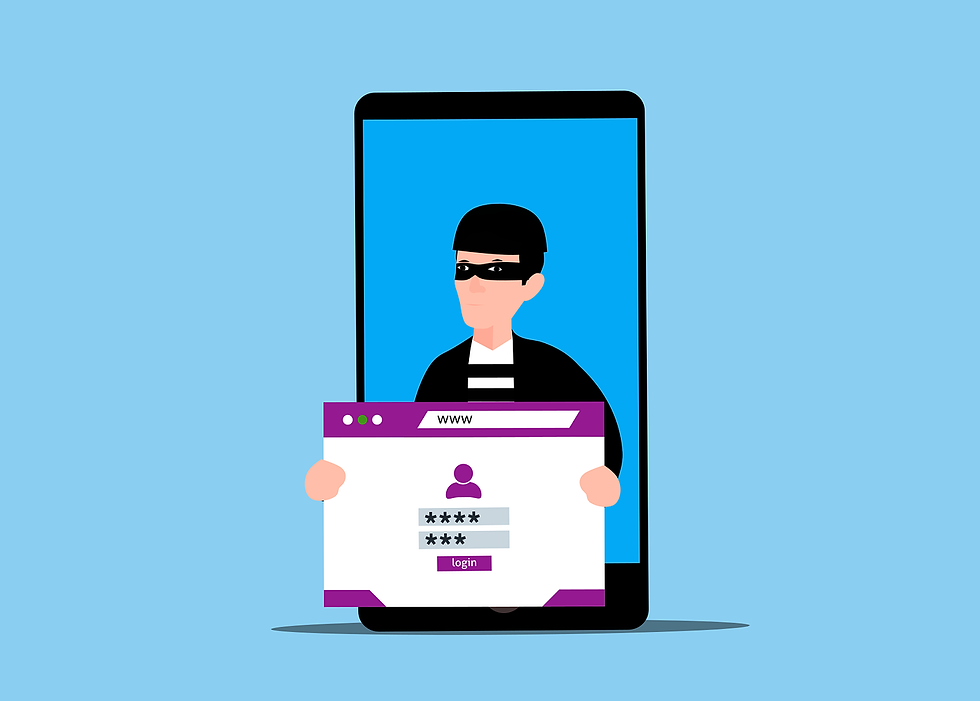
SMS MFA Risks: The Growing Threat of SIM-Swapping

For years, enabling Multi-Factor Authentication (MFA) has been the golden rule of account security. But as defenses evolve, so do the attackers. If your business is still relying on the most common form of MFA - receiving a four- or six-digit code via a text message (SMS) - your accounts are sitting in the crosshairs.
According to MojoAuth's 2026 Threat Landscape report, cybercriminals have dramatically shifted their tactics, leading to a massive spike in MFA bypass attempts. SMS text messages are an outdated, unencrypted technology that attackers have figured out how to consistently defeat.
For businesses in Southeast Michigan, relying on text-based MFA is no longer enough to protect sensitive client data, financials, or networks. It is time to level-up to phishing-resistant authentication.
Key Takeaway
If a hacker can intercept your text messages, your password does not matter. It is time to transition your team away from SMS codes and toward authenticator apps or hardware keys.

Understanding the Top SMS MFA Risks for Your Business
While text-based verification is better than having no protection at all, the SMS MFA risks have simply become too high for modern businesses to ignore. Cybercriminals now use techniques like SIM-swapping to intercept your text codes, easily bypassing your first line of defense.
In a SIM-swapping attack, a criminal contacts your mobile carrier, pretends to be you, and claims to have lost their phone. Using basic social engineering, they convince the support staff to port your phone number to a new, blank SIM card in their possession. The UK has seen SIM swap fraud surge 1,055%, and the trend is mirroring across the US.
If they succeed, your phone immediately goes dark. The attacker now receives all your calls and SMS messages - including the MFA codes for your bank, email, and company VPN. Without even knowing your passwords, they can request password resets and use the intercepted text codes to gain full access to your life.
This attack does not require advanced coding skills; it only requires tricking a customer service rep at a telecom company.
The Problem with SMS and Telecommunication Protocols
SMS was never built to be a secure authentication channel. Its reliance on cellular networks exposes it to deep-seated security flaws, particularly in old routing protocols like SS7 (Signaling System No. 7).
Hackers can exploit SS7 vulnerabilities to intercept text messages over the air without ever touching your physical device. Furthermore, if an employee lands on a highly convincing phishing page and types in their username, password, and the SMS code they just received, the attacker captures all three in real-time and instantly logs into the legitimate account. In fact, JumpCloud reports that over 28% of users employing MFA are still successfully targeted by these real-time phishing attacks.
Why Phishing-Resistant MFA Is the New Standard
To stop these attacks, you have to remove the human element from authentication. Phishing-resistant MFA relies on secure cryptographic protocols that tie your login attempt directly to the actual, legitimate website domain.
If an employee in your Livonia or Westland office is tricked into clicking a fake Microsoft 365 login link, their phishing-resistant authenticator will refuse to hand over the credentials because the domain does not perfectly match the real Microsoft server.
Here is what you should be using instead of SMS:
1. Mobile Authenticator Apps
If you want a free, immediate upgrade, switch your team to apps like Microsoft Authenticator or Google Authenticator. These apps generate time-based codes locally on the device itself. Because the codes are never sent over a cellular network, they cannot be intercepted via a SIM swap. Modern apps also feature "number matching" (requiring the user to type a number shown on their screen into their phone) to prevent MFA fatigue attacks.
2. Hardware Security Keys (FIDO2)
This is the gold standard. Devices like YubiKeys are physical USB drives you plug into your computer or tap against your phone. There are no codes to type. When you log in, the key performs a hidden cryptographic handshake with the server. Unless an attacker physically steals the key from your pocket, they cannot breach the account.
3. Passkeys (The Passwordless Future)
Passkeys replace the password entirely with a digital credential tied to your device's biometrics (Face ID or fingerprint). They offer the security of a hardware key with the convenience of unlocking your phone.
Upgrading Your Metro Detroit Business
Moving away from SMS-based MFA requires a cultural shift in your office. Your employees are used to the convenience of text messages. As we approach National Consumer Protection Week (March 1-7), it is the perfect time to explain to your team why this change is happening. When they understand the reality of SIM-swapping, the slight learning curve of an authenticator app makes sense.
Start by mandating authenticator apps or hardware keys for your administrators and executives immediately. Then, roll it out to the rest of the staff.
Ready to ditch vulnerable text messages for good?
Book a 20-Minute Identity Security Review to learn how easily you can transition to phishing-resistant MFA.
Frequently Answered Questions (FAQs)
Is an authenticator app hard to set up for my employees?
Not at all. Setting up Microsoft or Google Authenticator takes about two minutes. The user simply downloads the app and scans a QR code on their computer screen during their next login. It is often faster to use than waiting for a delayed text message.
What happens if an employee loses their phone with the authenticator app on it?
Most modern authenticator apps allow you to back up your tokens to an encrypted cloud account (like an iCloud or Google account). Alternatively, IT administrators at DH Solutions can easily reset an employee's MFA token so they can pair a new device without being locked out of their work indefinitely.
Are hardware security keys expensive?
A standard hardware key like a YubiKey costs around $40 to $50 per user. Compared to the financial and reputational cost of a data breach or a ransomware attack resulting from compromised credentials, they offer one of the highest returns on investment in cybersecurity.
Republished with Permission from The Technology Press